
Episode 0: TLDR: one request, a team of agents
The fastest way into real work with a command-line AI agent: a terminal, one install line, a folder, then one plain request that spins up a team of agents. In this real, recorded run, Claude Code (in its default auto mode) took an empty folder to five figures and a one-page summary of 86 years of the Buffalo River's records in about twelve and a half minutes.
Downloads
AI for Research Efficiency, episode 0, with Douglas Hutchings. Narration: an AI-generated voice (ElevenLabs).
The fastest way into real work with a command-line AI agent. Do a few quick steps, then ask in plain words: say who you are, what you want at the end, and "spin up a team of agents". In the run this episode replays (recorded on 22 October 2026, Claude Code 2.1.308 in its default auto mode), one request took an empty folder to a result in 12 minutes 31 seconds: the lead agent set up the project, three agents worked at once on floods, low flows and the river's whole pattern, and the team finished with five figures and a one-page summary of 86 years of the Buffalo River's records.
Your run will look different. Models update, and every computer is set up its own way. If something goes wrong, ask your agent to help fix it: paste the error and say what you were trying to do.
The quick part (Windows first, the Mac beside it)
Make a folder for your project, right-click inside it, and choose Open in Terminal (Windows 11, File Explorer; on some PCs it is under Show more options). Mac: Control-click the folder in Finder's path bar, then Open in Terminal.
Install one agent, with one line. Choose one; each has its own episode.
Agent Windows (PowerShell) Mac (Terminal) Episode Claude Code irm https://claude.ai/install.ps1 | iexcurl -fsSL https://claude.ai/install.sh | bash2.1 Codex powershell -ExecutionPolicy ByPass -c "irm https://chatgpt.com/codex/install.ps1 | iex"curl -fsSL https://chatgpt.com/codex/install.sh | sh2.2 Antigravity irm https://antigravity.google/cli/install.ps1 | iexcurl -fsSL https://antigravity.google/cli/install.sh | bash2.3 Lines read from each vendor's page on 22 October 2026; check the vendor's page if one fails.
Open the terminal again, the same way (so it finds the new program), and type the agent's name:
claude(orcodex, oragy).Sign in the first time, with a monthly plan or an API key (your browser opens), and trust the folder when it asks: in Claude Code the choice starts on "No, exit", so press Down, then Enter, for "Yes, I trust this folder".
The request
The run's request, word for word. Put in your own field, data and result:
I'm a hydrologist studying the Buffalo River in Arkansas. Spin up a team of agents and take this empty folder all theway to an interesting result. Set it up so you remember how the project works and I can go back to earlier versions,pull the long-term USGS gauge records,Its shape: I'm a ___. Spin up a team of agents and ___. Finish with ___. Examples to try (not run for this episode):
- I'm a historian of the Ozarks. Spin up a team of agents and turn this folder of scanned letters into a searchable archive. Finish with a timeline of who wrote to whom.
- I'm a soil scientist. Spin up a team of agents and clean up this year's instrument exports into one dataset. Finish with a quality report for each run.
- I'm a statistics instructor. Spin up a team of agents and build a practice dataset for each week of my course. Finish with a worksheet and an answer key.
What the team did (the recorded run)
- The lead agent (0:00 to 2:08): made a Python environment, found the Buffalo River's long-term USGS gauges, downloaded their daily and peak records, wrote a shared loader "so every agent parses the files the same way", wrote its own instruction file (
CLAUDE.md), and saved a first version in Git (taggedv0.1-data). - Three agents at once (2:08 to 10:13): floods, low flows, and the flow regime with the rain. The low-flow agent reported first ("a solid null result"), then the regime agent ("Flow rose about 16%, and wetter precipitation accounts for nearly all of it"), then the flood agent ("no detectable change in flood magnitude, frequency, or timing").
- The lead again (10:13 to 12:31): drew five figures and checked each, said "I'll check a few numbers I want to quote first", rebuilt everything from the raw data ("every table comes out identical"), wrote the captions and the one-page summary, and tagged
v0.2-analysisandv1.0-paper.
The result, in the summary's own title: "A wetter river, not a changed one". Mean flow at the St. Joe gauge was about 16% higher in 1983 to 2025 than in 1940 to 1982 (checked by the studio against USGS's daily data: 1,012 and 1,173 cubic feet per second). By the team's analysis, more rain explains nearly all of it, and floods and low flows show no detectable change. The team listed its own caveats (rain for the whole climate division stands in for the basin's; where the record is split; low flows near the gauge's limits); read them before you rely on a number.
Before you use your own data
Watch episode 9, Your Data, Your Keys, Your Campus: what an agent sees, where keys belong, and your campus's rules. And when you want to know why each step works: episode 2.0 (the terminal), 2.1 to 2.3 (the tools), 4 (the instruction file and everyday habits), 5 (versions and sharing), 8 (many agents at once).
Sources
- Install lines: Anthropic, Set up Claude Code; OpenAI, the Codex README and Codex CLI; Google, Antigravity Get started; read 22 October 2026.
- Auto mode: Anthropic, Choose a permission mode (auto mode is the built-in starting mode from Claude Code 2.1.283; "Auto mode reduces permission prompts but does not guarantee safety."), read 22 October 2026.
CLAUDE.md: Anthropic, How Claude remembers your project, read 22 October 2026.- Data: U.S. Geological Survey, daily and annual peak streamflow for 07056000, Buffalo River near St. Joe, AR (water years 1940 to 2025), retrieved 22 October 2026; the team also used NOAA's nClimDiv precipitation for Arkansas division 1.
Corrections
None so far. If you find something wrong, email doug,@douglashutchings.com.
Transcript
Every spoken line, by chapter
Start here
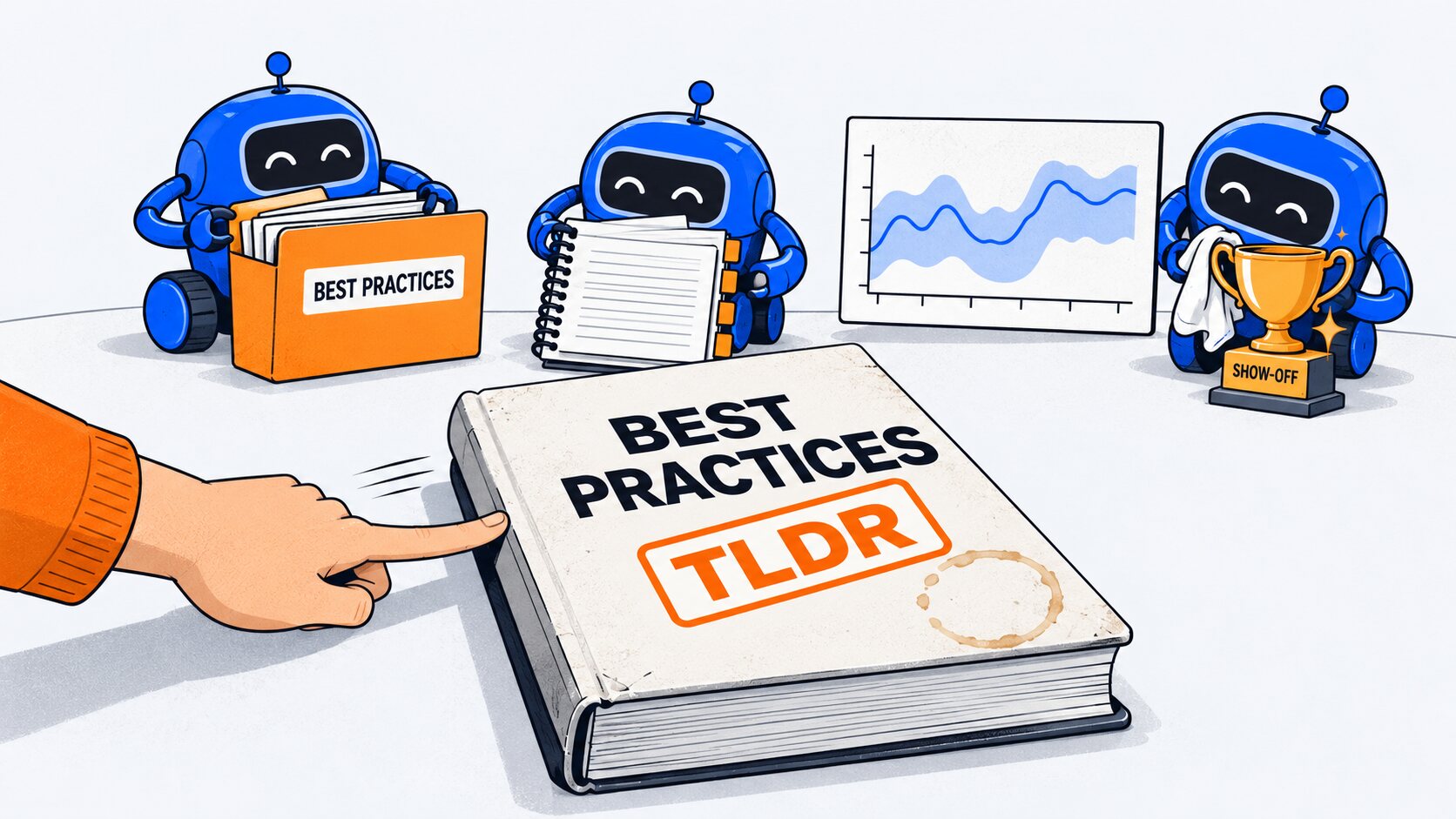
Best practices. Instruction files, version control, careful habits: a whole series of them. Very responsible. Too long; didn't read. Let's just vibe code.
One request, to a team of agents. Twelve and a half minutes later: eighty-six years of a river's records, analyzed, with figures for a paper.
AI for Research Efficiency. Episode zero: T L D R.
The quick part
First, the quick part. Make a folder for your project, right-click inside it, and choose Open in Terminal.
Paste one install line: for Claude Code, Codex or Antigravity. Each has its own episode. Then open the terminal again, the same way.
Type the agent's name, sign in, and tell it you trust the folder.
One request
Now the real part. Say who you are, and what you want at the end. And ask it to spin up a team of agents.
The team at work
It works in auto mode: a second model checks each step before it runs, so this run never stopped to ask.
First, the lead agent set the project up: a Python environment, eighty-six years of gauge records, an instruction file it reads every time it starts here, and a first saved version.
So those best practices we skipped? It did them anyway. Show-off.
Then it split the work. Three agents at once: one on floods, one on low flows, and one on the river's whole pattern, and the rain.
As each one reported back, it pulled the results together, checked the numbers it would quote, and drew the figures.
The result
The finding: the river runs about sixteen percent higher than before nineteen eighty-three. By the team's analysis, more rain explains nearly all of it, and its floods and low flows haven't changed detectably.
Every stage is saved, so you can go back to any of them.
Almost anything
The same approach works on almost anything.
In this series, a team of agents reviewed fifty-seven files for a literature review. Others mapped a research field, turned a paper into a narrated video, and built a web page.
Some call it vibe coding. Say who you are, what you want at the end, and: spin up a team of agents.
Before you start
Your run will look different: models update, and every computer is set up its own way. If something goes wrong, ask your agent to help fix it.
Before you point it at sensitive data, watch episode nine: your data, your keys, and your campus's rules.
And if you ever do want those best practices, the rest of the series is right there. No pressure.
Next: episode one, why the command line.