
AI for Research Efficiency
A series for researchers, with Douglas Hutchings
Short films for researchers who use AI chat in a browser and want an AI agent to work in their own files: why the command line, how to set it up, a real literature review by several agents at once; then working well (habits, Git and GitHub, a published page, tokens and limits, many agents, your data and keys) and projects (research APIs, a field map from OpenAlex, a narrated explainer of a paper, and how this series is made).
Each episode has its commands here, ready to copy, with the chapters, the captions and the transcript. Windows first, with the Mac beside it.
Narration: an AI-generated voice (ElevenLabs).
Why the command line, 3:55
New episodes come out on YouTube. Subscribe to the channel (opens in a new tab) to hear about them.
At a glance
16 episodes in 3 parts, about 73 minutes from start to finish. At step 2 you install one tool, so you watch one of those three.
Watch them in this order
Part 1 Getting started
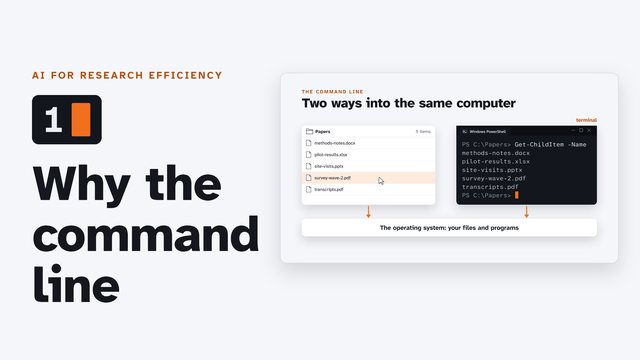 Why the command lineWhy a researcher might move from AI chat in a browser tab to an AI agent on the command line: what the command line is, the same task done both ways, why an agent can do more in your own files, and what stays with you.
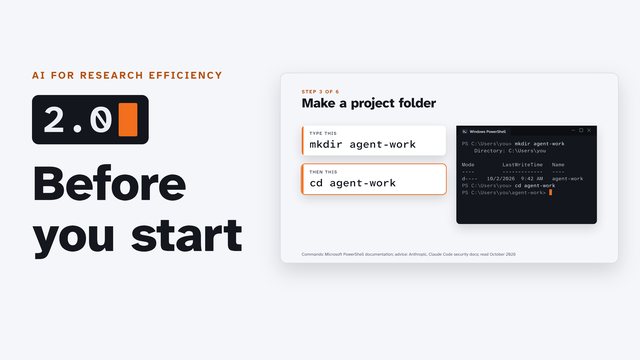 Before you startThe groundwork before you install a command-line AI agent, Windows first with the Mac beside it: open a terminal, find your way around with four words, make a project folder, install Git and Python, and choose an account.
Then the episode for your tool: choose one
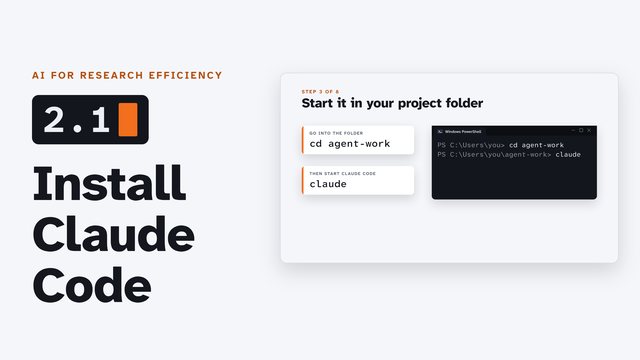 Install Claude CodeInstall Claude Code, Anthropic's command-line agent, on Windows (or a Mac), sign in, start it in your project folder, and check each step before you let it speed up.
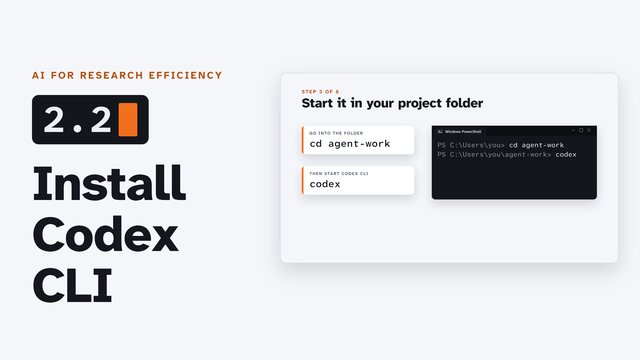 Install Codex CLIInstall Codex CLI, OpenAI's command-line agent, on Windows (or a Mac), sign in, start it in your project folder, and check each step before you let it speed up.
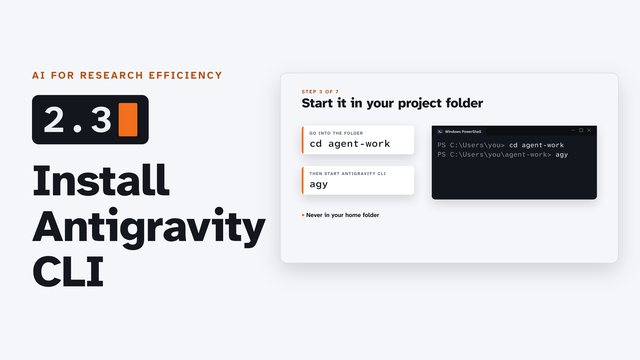 Install Antigravity CLIInstall Antigravity CLI, Google's command-line agent, on Windows (or a Mac), sign in, start it in your project folder, and check each step before you let it speed up.
Whichever you choose, continue with episode 3.
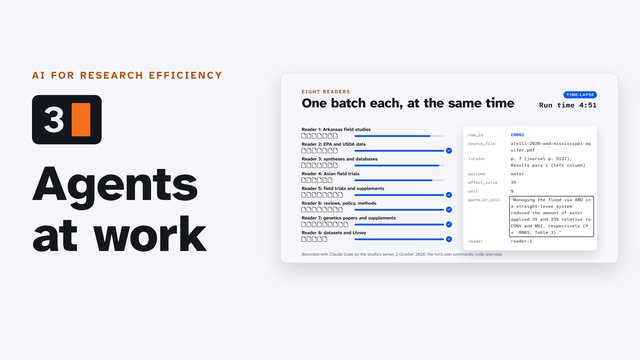 Agents at work: a literature reviewA literature review of 57 files by several AI agents at once, replayed from a real run: you write the rules, give each agent one job, and check every number they find against its page.
Part 2 Working well
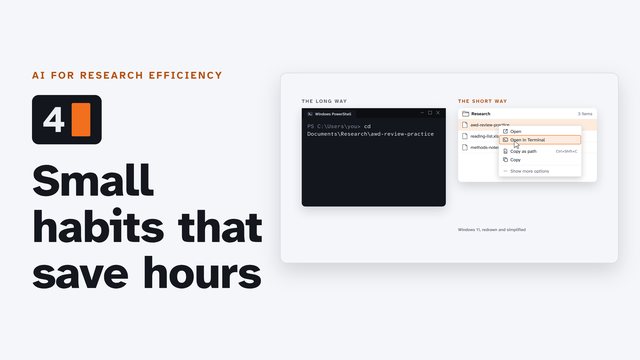 Small habits that save hoursNine small habits for working with a command-line AI agent every day, Windows first with the Mac beside it: open a terminal from a folder, hand the agent exact file paths, copy, paste and stop, teach it once with an instruction file, stop, go back and resume, keep it moving from your phone, and show it a screenshot.
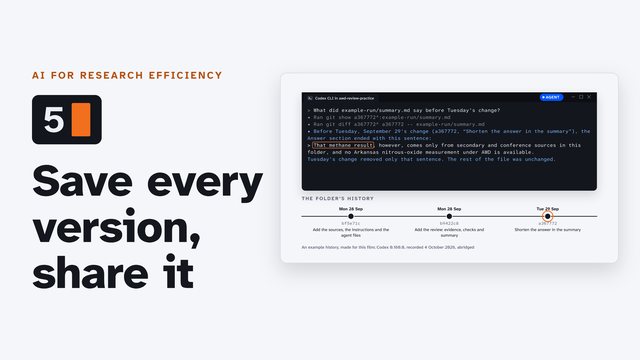 Save and share your work with GitHubKeep every version of a research project and share it with a co-author: Git keeps the folder's history on your computer, and GitHub keeps a private copy online. A command-line agent runs every command, and you approve each one.
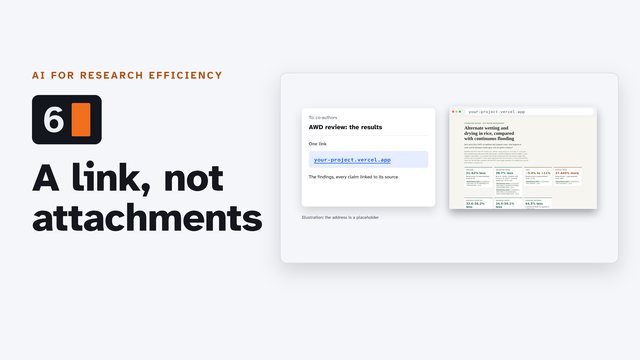 Publish a page with VercelTurn research results into a web page you can share as a link: a command-line agent writes the page from a literature review's findings, with every claim linked to its source; you check it locally, push it to GitHub, import it in Vercel, and update it with every push.
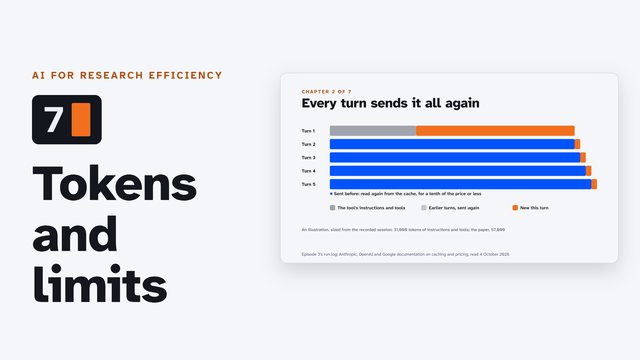 Tokens and limitsWhat a token is, why every turn of an agent session sends the whole conversation again, how caching makes that affordable, what the context window holds, and how a plan's five-hour and weekly limits work, in Claude Code, Codex CLI and Antigravity CLI.
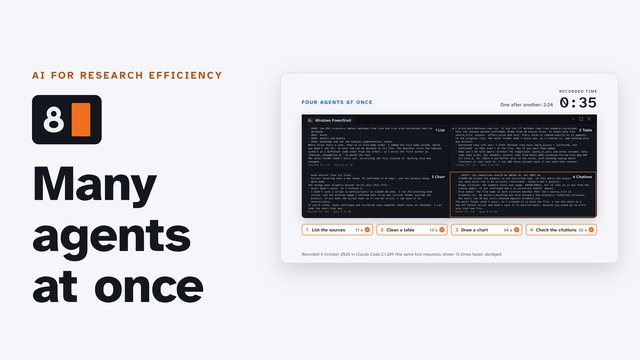 Many agents at onceRun several command-line AI agents at once, safely: open more terminals (tabs and split panes in Windows Terminal, one task each), or ask one agent to fan out helpers in plain words. The one rule: two agents never edit the same file.
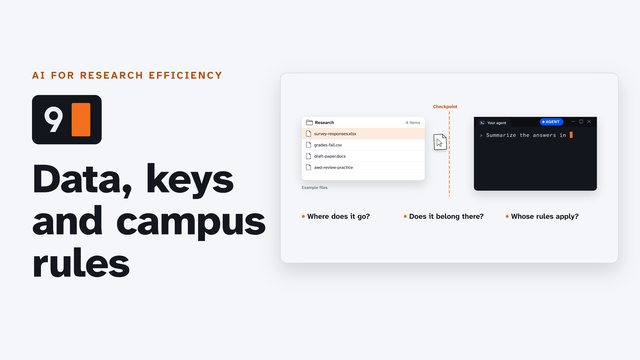 Your data, your keys, your campusBefore you hand an AI agent a file: where it goes, what never goes in, and whose rules apply. Each vendor's own words on data use by plan (Claude Code, Codex, Antigravity), protected data and a campus's data classes, keys kept in .env and given to the agent by name, the NIH and NSF rules on AI in peer review, and where your campus's approved AI tools list is, with the University of Arkansas as the worked example.
Part 3 Projects
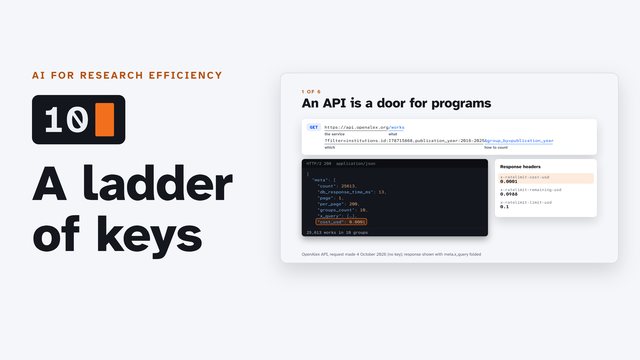 Research APIs, a ladder of keysHave your AI agent fetch research data from an API, one rung of keys at a time: OpenAlex with no key, a free key you limit (a reference library checked for retractions), and a paid key (ElevenLabs narration, estimated first). Where a key can go in Claude Code, Codex and Antigravity, what 401, 403 and 429 mean, and the license that comes with the data.
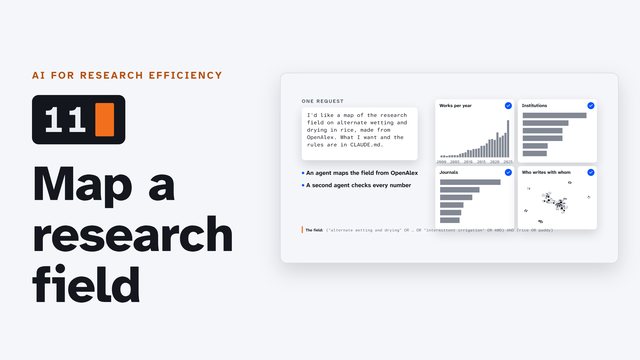 Map a research field with OpenAlexA real, recorded run: an AI agent maps the research on alternate wetting and drying in rice from OpenAlex (works per year, the leading institutions and journals, and who works with whom in Arkansas), a second agent re-checks every count, and the result becomes one page.
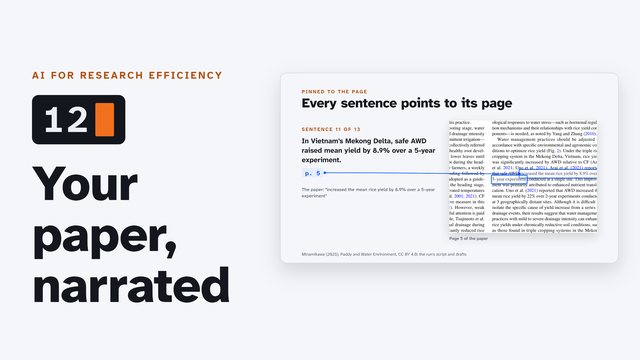 Make a narrated explainer of your paperOne real run: an AI agent turns an openly licensed paper into a short narrated, captioned explainer video, every sentence pinned to the page it came from, and checks its own work. You make the paid voice yourself, outside the agent's session, so your key never reaches it.
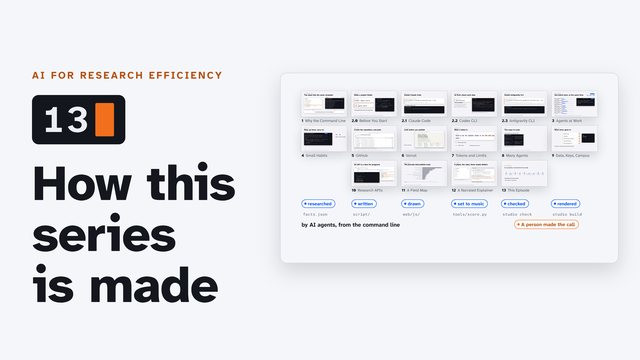 How this series is madeHow this series is made by AI agents working from the command line: the brief, research with every fact sourced, three looks and a novelty check, a script on a beat, a voice chosen by ear, pictures and music written as code, ten checks, the review and the render, with real figures from the series' own records.
AI for Research Efficiency, with Douglas Hutchings. Narration: an AI-generated voice (ElevenLabs).